
New Symbols
Event Analytics KPI+
The Event Analytics KPI+ symbol is a powerful BI component that instantly calculates and displays aggregated metrics of your event frames in a responsive grid of cards.

Duval Triangle+
The Duval Triangle symbol empowers reliability engineers to instantly detect early-stage transformer faults, track degradation history, and prevent catastrophic failures natively within AVEVA PI Vision.

New Features
All Tables
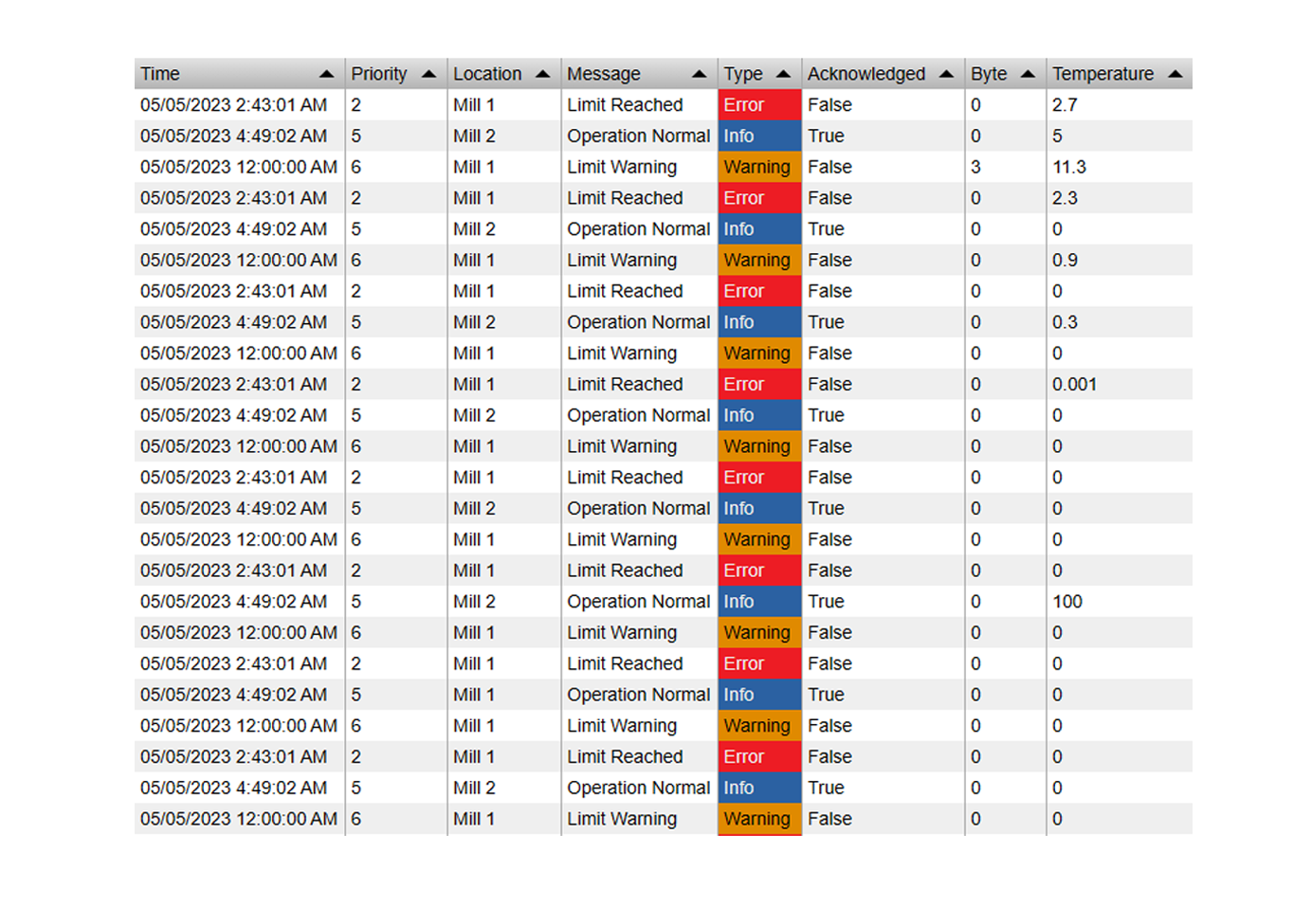
- New "Modern" table style: A modern looking table style to give your dashboards a refreshed look

- New Badge Multistate option: Modern multistate visualization option creates a colored badge around the value

- All Date Pickers now have a "Now" button
- PDF exports now support tree structure
Asset Select
- Improved Startup Performance
Value+
- New options to disable and re-position the tooltip
- New touch mode for mobile devices like tablets or phones
Event Analytics Chart / Pie
- Configurable Label Rotation
- New option to split enumeration values into their separate levels (e.g. for drilldowns into a single attribute)
- New Value option: Duration
Event Filter
- New Tree display option
Combo Chart
- Axis labels can now be displayed inside the chart area, similar to the default trend
WebView
- PI Vision kiosk mode is now available for attribute data sources
- New buttons for manually navigating the slideshow pages
- Enable/disable individual pages in the slideshow
Navigation Button
- Customizable tooltip text
Alarm Sound
- Will now correctly remember an acknowledge state when the display is reloaded (for the same user)
Radial Gauge
- Configurable Start Angle
Asset Comparison Bar Chart
- New label options for description and element path
Time Series Table
- Now total calculation options for timestamps
Bug fixes
- Combo Chart: Fixed legend tooltip now showing
- Event Frame Loading: Fixed an issue where event frames where not loaded correctly when the specific template was not initially loaded
- Event Frame Loading: Fixed an issue where time spans from AF Notifications were not interpreted correctly
- Asset Select: Derived templates now work correctly.
- Events Table: Fixed duration sort
- Manual Input Table: Fixed an issue where the real value was not correctly displayed when editing the cell
- AF Table: Fixed time filter not working
- Quick Input: Fixed false negative error messages
- Time Series Table: Fixed Links
- General: Fixed Apply TimeRange from events not working on some symbols