
Housekeeping Note: PI Nexus+
Our new full-stack PI Health & Dependency Scanner application, PI Nexus+ is leaving early access phase (thank you to everyone who took part in this phase), and is approaching general availability. Reach out to use for a live demo or trial license.

New Symbols
Period Comparison Chart+
Compare the same datasource across multiple different time periods, using a single combined chart.

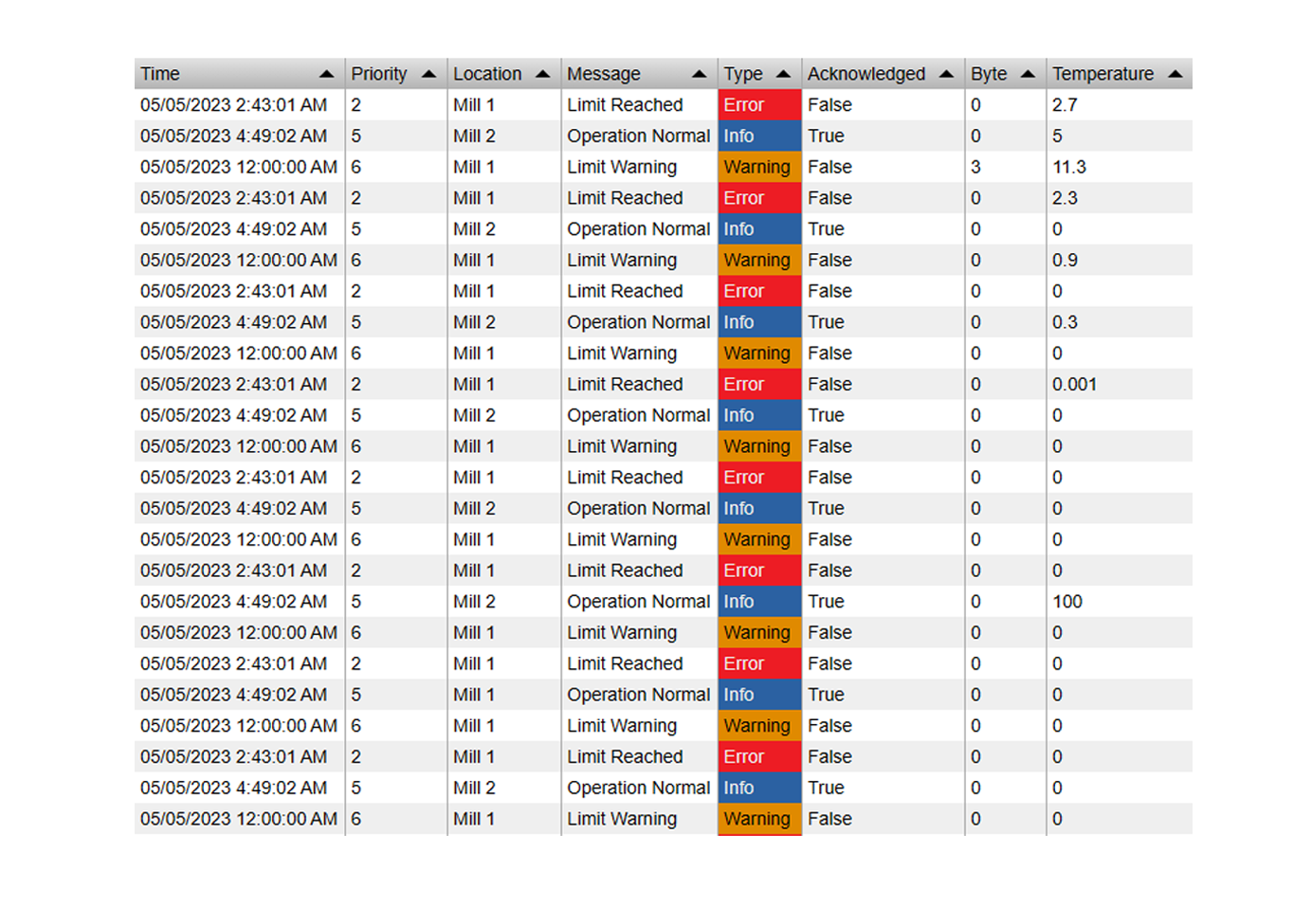
Alarm Table+
Asset relative table symbol for live alarming. Supports sounds, acknowledgements, different severities and more.

New Features
Events Table
- Configurable Save Timestamp: When updating an attribute, you can now configure the value to be written at start or end time
- Copy / Split Event Features now have an option to copy event attribute data
- New "Auto-Save" Feature, where every change will be saved automatically
Event Comparison Chart
- Additional customization options for golden batch event range
- New tolerance band type: Sample Standard Deviation
- Added double-click to fullscreen support
Combo Chart+
- Added double-click to fullscreen support
Profile View+
- New and improved color mode "Diverging from Target" with additional configuration options
- Added support for event frames: Show events like paper reels on top of the profile view
- Display events as overlay, or select from a list of loaded event to view the profile for that event

Manual Input Form+
- Has a new configuration option to show the last entered time stamp
- Will now show the actual save timestamp instead of the pi time notation
- New option to set minimum column width
Asset Comparison Table+
- Edit mode now supports input limits
- Edit mode now supports save confirmation
- Assets now supports manual column widths
Event Analytics Chart+
- Now supports Date/Time X Axes
Time Series Table+
- New Auto-Scroll feature for operator displays
Histogram+
- Now supports stacking if multiple data sources are display in a single histogram
- Digital / Enumeration Values now support showing all values, regardless if their count is 0
- New Pie Chart Mode: Show the individual buckets in a pie chart
DatePicker+
- Dynamic list mode and calendar mode now supports left/right navigation buttons
- Calendar mode now supports excluding end time (e.g. to use 23:59:59 instead of 00:00:00 as the end time)
Manual Data Entry+
- Support for Custom Labels
- New option to mark every entered value as "Questionable"
Radial Gauge+ / Linear Gauge+
- Now supports Digital States and Enumeration Values
- Improved Auto-Tick Behavior
- New Tick-Density option
Asset Select+
- Now supports "Set Asset Context as Root"
Sankey+
- New option to show Flow Direction
Bug fixes
- Ad-Hoc Chart: Fixed a bug where the exported svg was not readable
- Event Comparison Chart+: Fixed a bug where hovering was not highlighting the correct series
- Navigation Menu+: Fixed menu links for sub-menus not working
- Asset Comparison Table+: Now correctly updates when the asset context is changed and the user is entering data
- Events Table+: Fixed an error message that was shown when a user tried to create an In-Progress event with attribute data
- Events Table+: Cancel will now correctly close the entire dialog (instead of showing the event again) when the user was opening the dialog from the table directly
- Events Table+: Fixed event reason not loading when the attribute was not part of the configuration
- Event Analytics Chart: Sort by time now works correctly
- Combo Chart+: Fixed Multi-State labels positioning
- Manual Data Entry+: Fixed an issue where transposing the table would blank it out
- Profile View+: Fixed cursor and tooltip position when the display is zoomed
- Manual Data Entry+: Relative and Auto Date-Time formats now work correctly
- Radial Gauge+/Linear Gauge+: Now correctly update their min and max if those values are dynamic, and Multi-State is not used