
GxP display governance in AVEVA PI Vision
The GxP Gap in PI Vision: How to Validate Dashboards for Pharma
A PI Vision display can be correct today and still be difficult to validate tomorrow. This guide shows how to structure review, change history, validation states, and recovery around critical dashboards.
Start with the governance problem
PI Vision makes it easy to create and update operational displays. In a regulated environment, the harder question is what happens after someone changes a display: can the team identify the change, explain why it was made, distinguish work in progress from approved content, and restore the previous version if needed?
The issue is not that dashboards can change. The issue is that a normal save does not automatically provide the review evidence and recovery path that a GxP-oriented process may require.
| Uncontrolled editing | Governed display lifecycle |
|---|---|
| The current display can be overwritten by a normal save. | A draft can be reviewed before a display is treated as validated. |
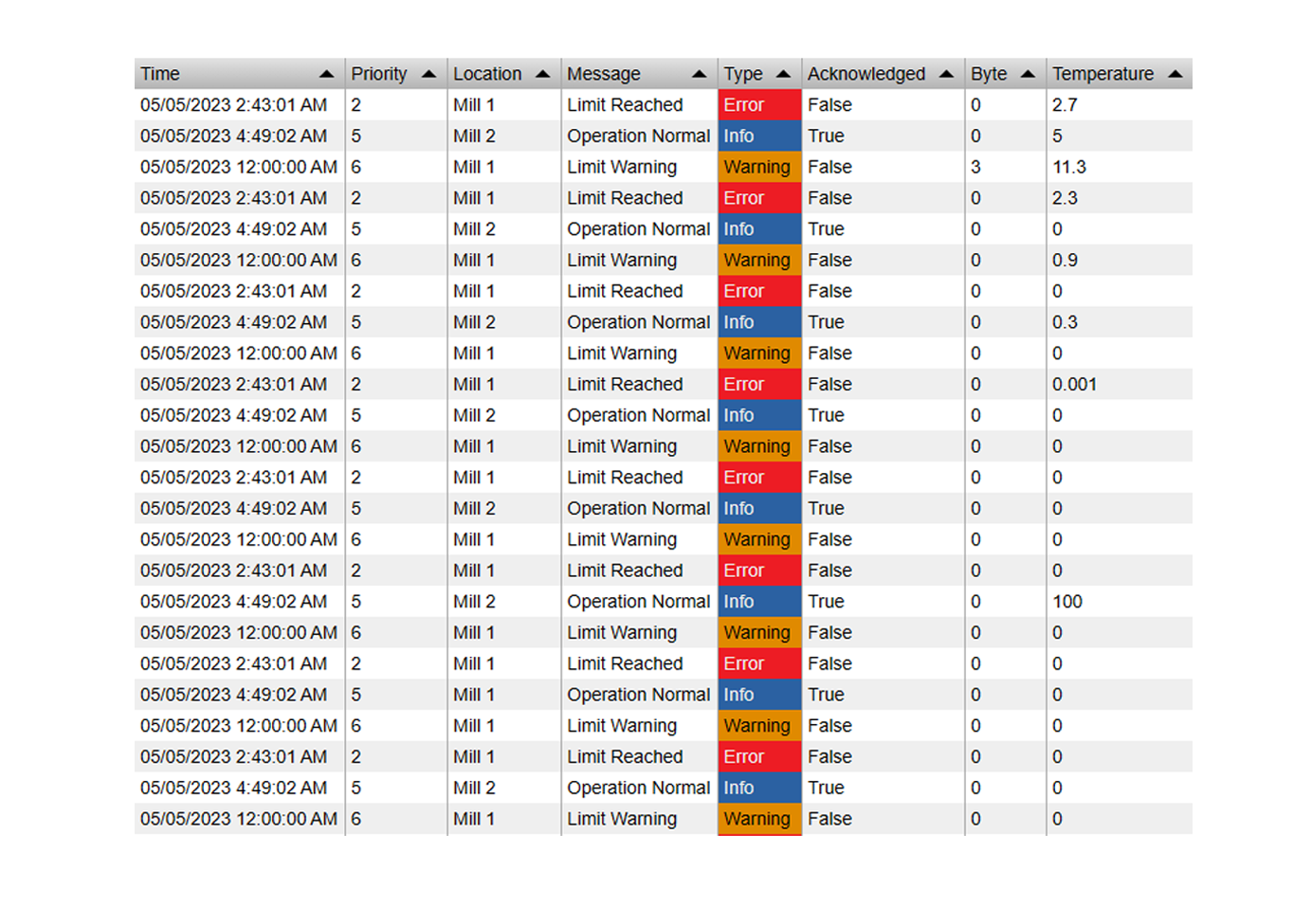
| Reviewers may have to reconstruct what changed from memory or screenshots. | History records supported display events with user, time, and change details. |
| Recovery may depend on a separate backup or manual rebuilding. | Earlier versions and deleted displays can be recovered through the product workflow. |
The solution: govern the display lifecycle inside PI Vision
Vision Audit+ adds display history, change context, recovery, and visible validation states around the PI Vision workflow. It supports a controlled process; it does not make an environment compliant by itself. Your QA, validation, and regulatory procedures still define the intended use, evidence, testing, and approval responsibilities.
Traceability
Review supported create, modify, snapshot, delete, restore, and revert events with user and timestamp context.
Change context
Administrators can require a reason before a display is saved, and comments can add context to supported display events.
Validation states
Use Draft, In Review, and Validated states to show whether a display is being changed, reviewed, or treated as trusted content.
Recovery
Return a display to an earlier version or recover a deleted display instead of rebuilding the dashboard from memory.
How the validation workflow works
The exact roles and acceptance criteria belong in your own SOPs, but the software workflow should make the display state and evidence visible at each phase.
- Draft: An author prepares a change while the current operational display remains identifiable as the released or trusted version.
- In Review: A reviewer checks the data sources, limits, labels, calculations, layout, and reason for change against the defined requirements.
- Validated: The approved display is visibly marked as validated and protected from casual editing according to the configured workflow.
- Change or recovery: A new change starts a new review path, or the team returns to an earlier version when testing or operation identifies a problem.

What reviewers need to see
A validation review is easier when the evidence is tied to the display history rather than scattered across screenshots, tickets, and manual notes. Reviewers should be able to answer what changed, who changed it, when it changed, and why the change was made.


Where this helps regulated teams
Critical production displays
Keep displays used for product quality, batch review, or release decisions under a defined review and release process.
Change investigations
Use the history to investigate an unexpected display change or determine how the display was configured at a relevant time.
Recovery after testing
Test a proposed change, compare the result, and return to the earlier version if the result is not acceptable.
Validation evidence
Keep the configured workflow, change reasons, review records, test evidence, and ownership aligned with your organization’s procedures.
Implementation checklist
- Identify the scope: List the displays that support regulated decisions or quality-related work.
- Define responsibilities: Assign author, reviewer, approver, and administrator roles, including separation-of-duty expectations.
- Define the states: Document what Draft, In Review, and Validated mean in your process and what evidence is required to move between them.
- Test representative changes: Test a data-source change, limit change, symbol change, and layout change, then confirm the history and review behavior.
- Test recovery: Roll back a controlled test version and recover a test display so the response is understood before an incident occurs.
- Document the validated use: Record the configuration, test evidence, procedures, training, and ownership that apply to your environment.
Validation boundary: Vision Audit+ can support display governance, traceability, recovery, and validation-oriented workflows. It does not replace risk assessment, SOPs, user training, testing, or formal system validation. Confirm the intended use with your QA and regulatory teams.
For product scope and evaluation options, see the Vision Audit+ product page, the Software Athlete documentation hub, or the Vision Audit+ trial request.
Evaluate a governed PI Vision workflow
Review your display-change, recovery, and validation requirements with a workflow that keeps the evidence connected to PI Vision.
Explore Vision Audit+ Schedule a demo