
New Symbol: Asset Treemap+
Turn flat asset lists into interactive heatmaps. Group by path or attribute, apply multistate coloring, and drill down into data with Asset Treemap Plus.

New Features
General
- PDF Table exports now support multistate coloring
Combo Chart+
- New Series Type: RangeArea
- Display a range area between two data sources
Asset Comparison Table+
- Hide & Rename Asset/Attribute column
- Added additional sorting options for groups
Map+
- Additional zoom levels
- Improved data label positioning (reduced flickering)
- Dynamic marker type (depending on attribute value)
Manual Data Entry+
- Multiple input mode now supports future data
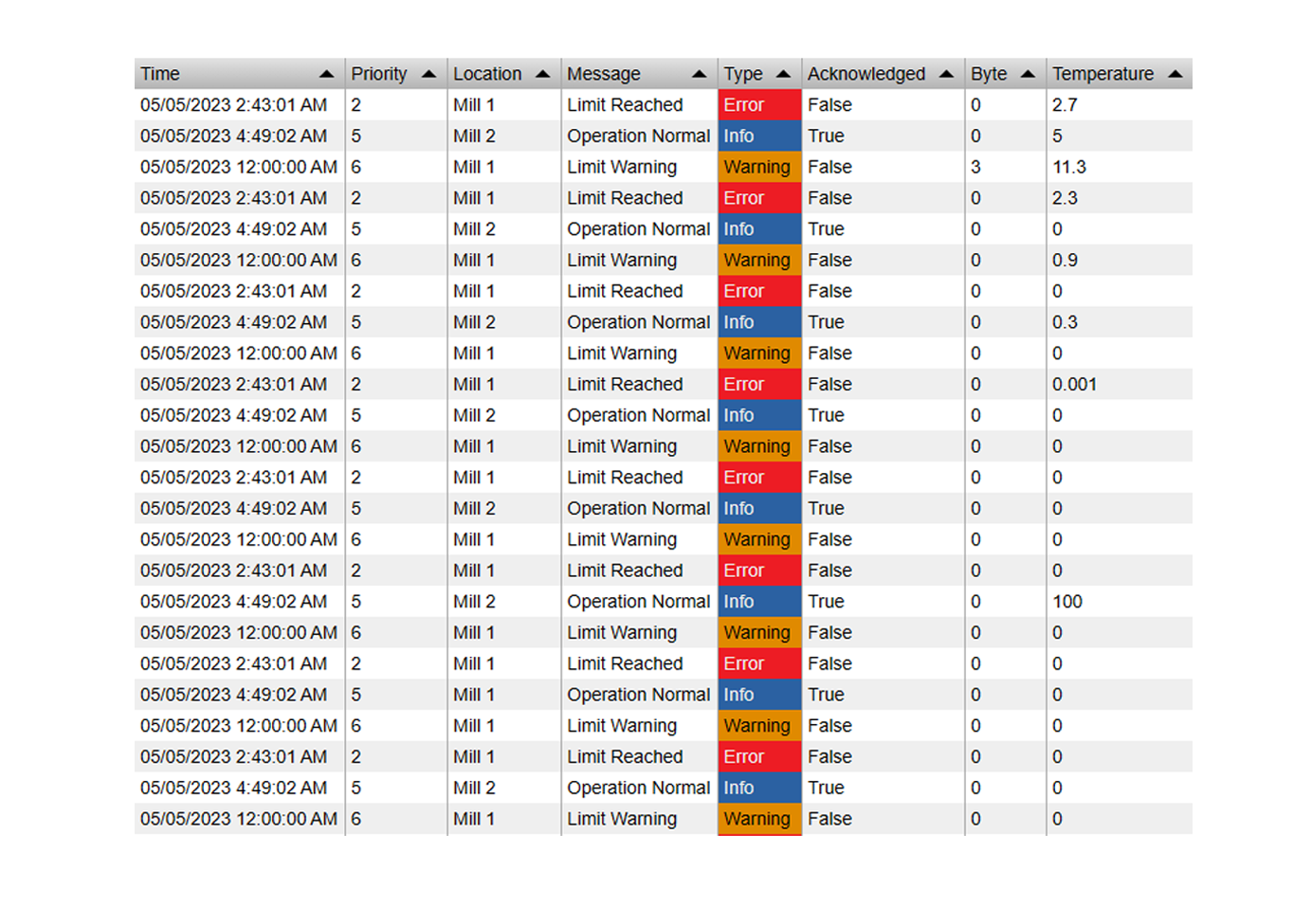
Events Table+
- Groups can now be sorted
- Groups now support multistate colors
Linear Gauge+/Radial Gauge+
- New option to show multistate limit labels and markers
- Show value labels alongside marker position
- Will now show the correct bad value range
- Custom number format for limit labels
Box Plot+
- New dataretrieval methods (summary, interpolated)
Histogram+
- Additional options to hide overlapping labels and define label interval
Value+
- New global settings for default point attributes to be shown in the tooltip
DateTime Picker+
- Will now use the actual end time of the range for the first item as well (instead of *)
Bug fixes
- Map+: Fixed a bug that caused the map to not work in PI Vision 2022
- Asset Table+: Fixed custom asset labels not working
- DateTime Picker+: Fixed a bug where a click on a button would reset the time
- Time Series Table+: Fixed Joined dataretrieval mode and filter not working together
- Time Series Table+: Max Rows value 1 not working properly
- Event Analytics Chart+: Fixed drilldown not properly calculating
- Manual Input Table+: Inputs with * were sometimes not synchronized in time
- Combo Chart+: Fixed interval calculation for summary data retrieval