PI Vision Custom Symbol
Visualize Your Asset Hierarchy at a Glance
Turn flat asset lists into intuitive heatmaps. Asset Treemap Plus visualizes magnitude and status simultaneously, helping you spot outliers, monitor hierarchies, and drill down into root causes instantly.
See the Big Picture
Flexible Grouping Logic
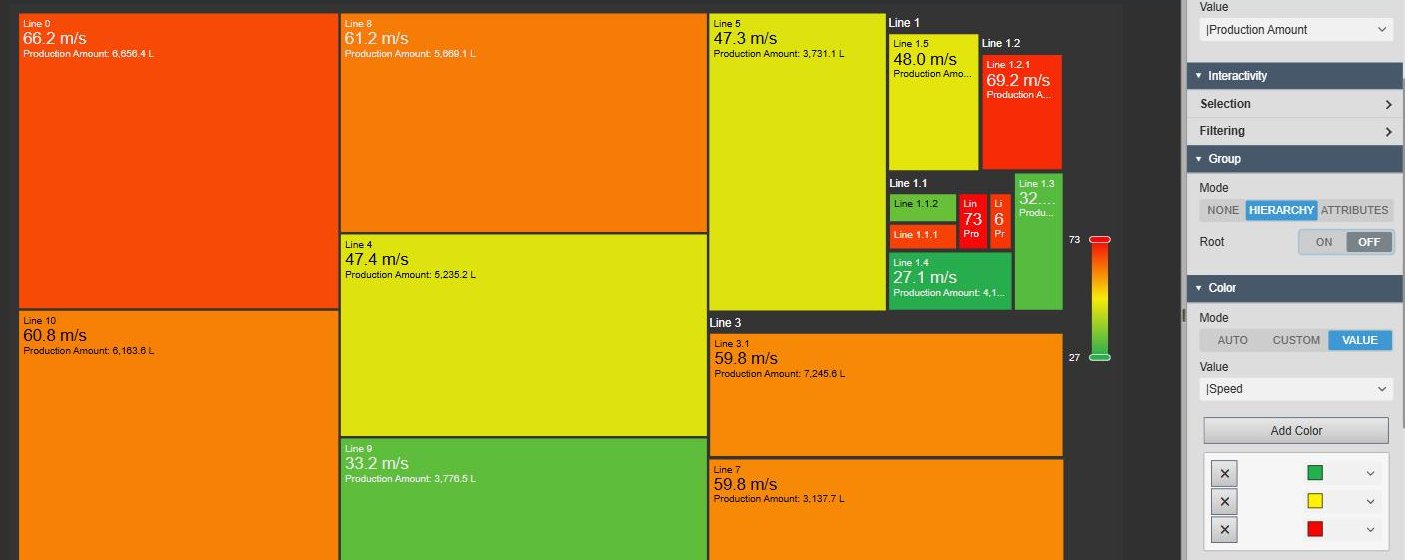
- Hierarchy & Path Mode: Automatically parses your PI AF Element paths to create nested visual groups.
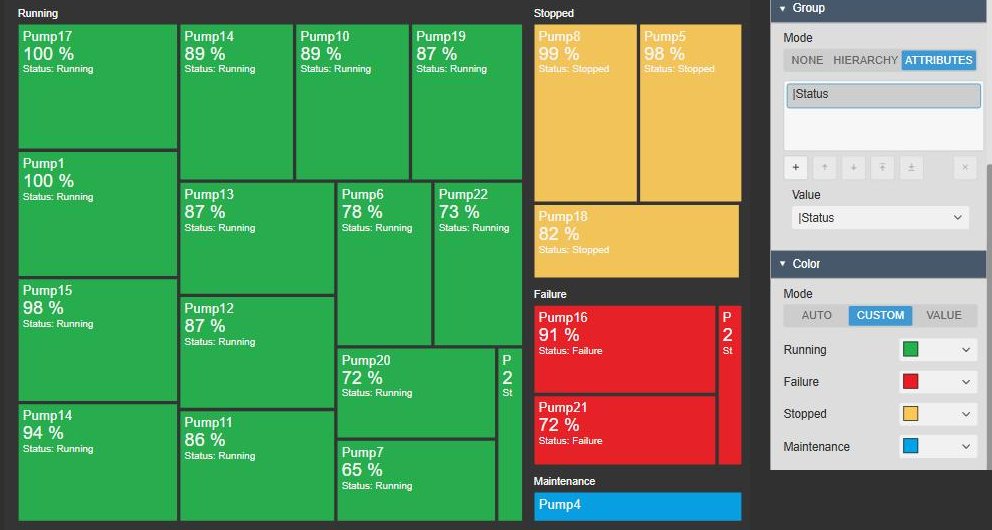
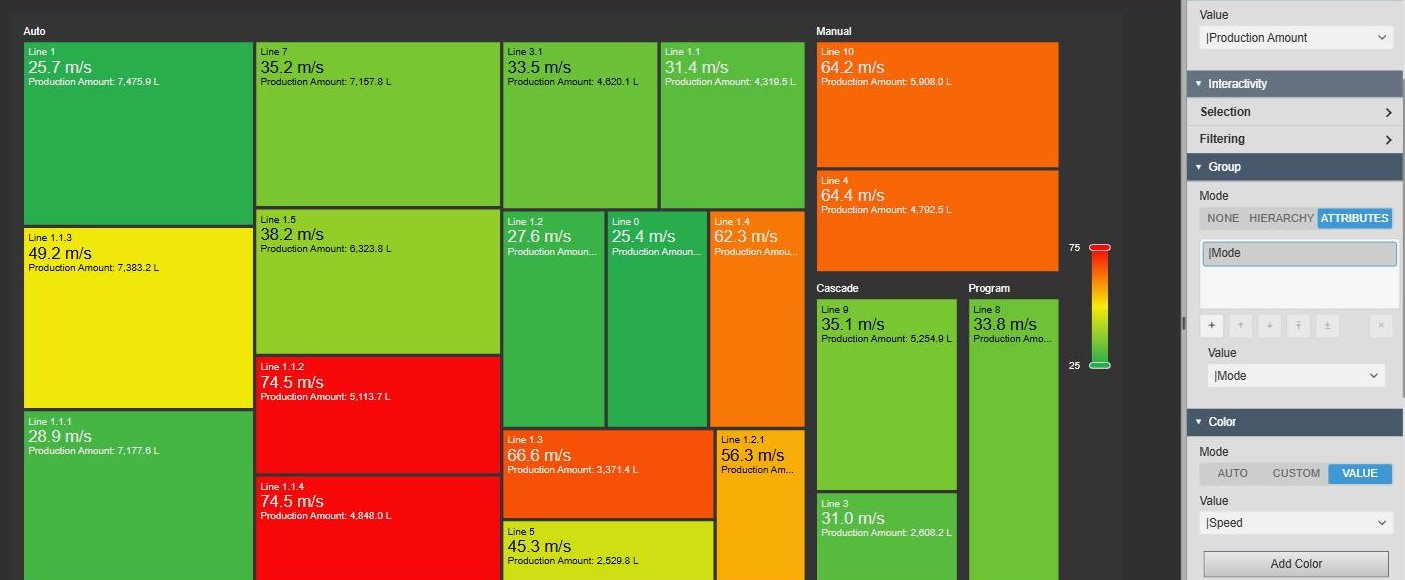
- Attribute Clustering: Group assets dynamically based on metadata, such as "Manufacturer", "Location", or "Asset Type".
- Smart Aggregation: Visualizes parent groups based on the aggregated data of their children.
Advanced Coloring Engine
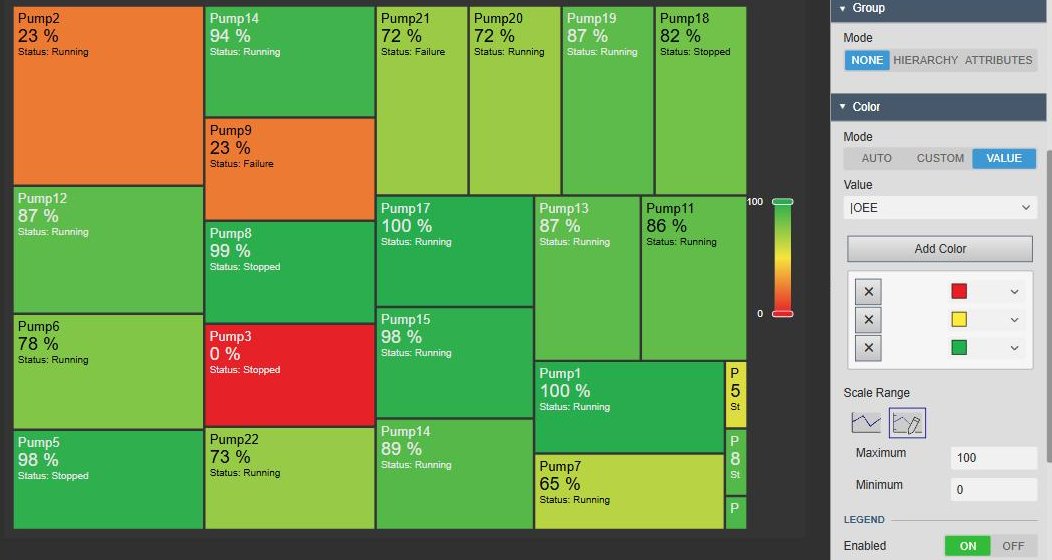
- Value-Based Heatmaps: Apply gradient color scales (Green-Yellow-Red) based on live values like temperature or efficiency.
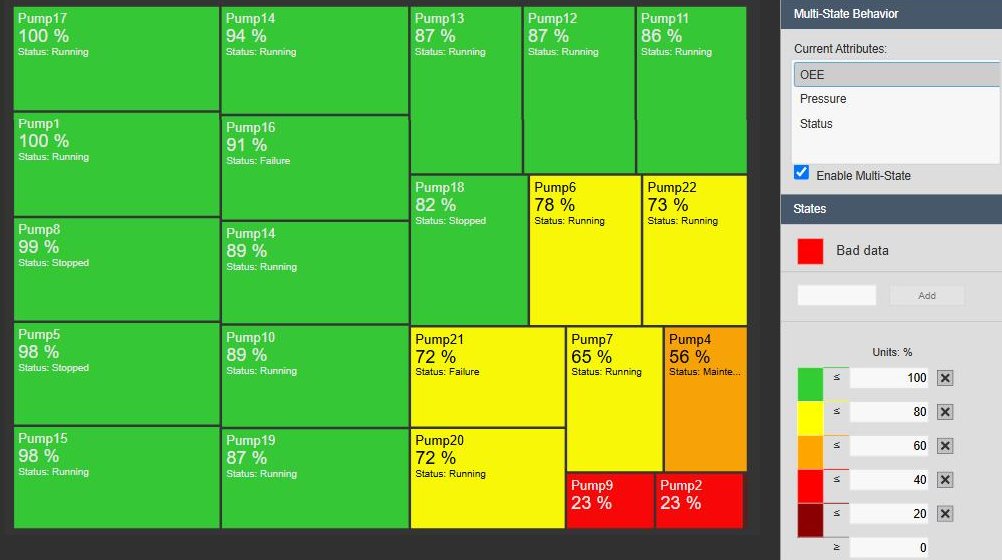
- Native Multistate: Seamlessly integrates with PI Vision Multistate configurations for alarm visualization.
- Custom Mapping: Manually map specific attribute values (e.g., "Running", "Stopped") to specific colors.
Interactive Navigation
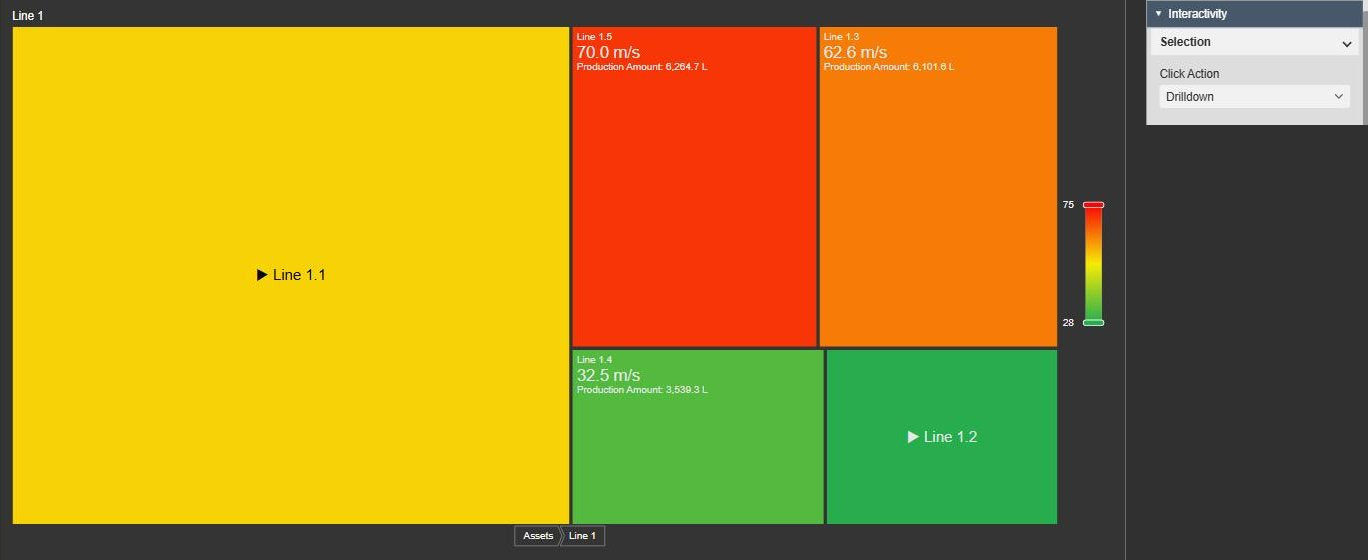
- Visual Drilldown: Click on any group header to zoom in and focus on specific plant areas or production lines.
- Breadcrumb Navigation: Easily navigate back up the hierarchy with an integrated breadcrumb bar.
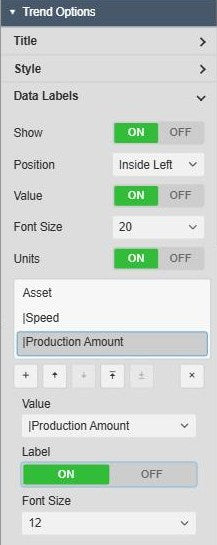
- Dynamic Data Labels: Show exactly what matters with rich-text labels supporting multiple attributes and custom font sizing.
From Data Points to Situational Awareness
Alarm & Exception Management
Use Multistate coloring to instantly turn the treemap red when assets go into alarm, allowing operators to spot issues in hundreds of assets immediately.
Energy & Utility Monitoring
Map the size of the boxes to "Power Consumption". Quickly identify which assets are your biggest energy consumers relative to others.
Fleet Performance Comparison
Visualize OEE or Efficiency across multiple sites. Group by "Region" and then "Site" to compare performance benchmarks at scale.
Maintenance Planning
Group assets by "Maintenance Status" to visualize the ratio of active vs. stopped equipment and prioritize work orders.
Powerful Visualization, Made Simple
Smart Grouping & Hierarchy
Automatically group assets by their PI AF hierarchy path or by custom attributes like "Line", "Type", or "Status" to organize your data.
Value-Based Heatmaps
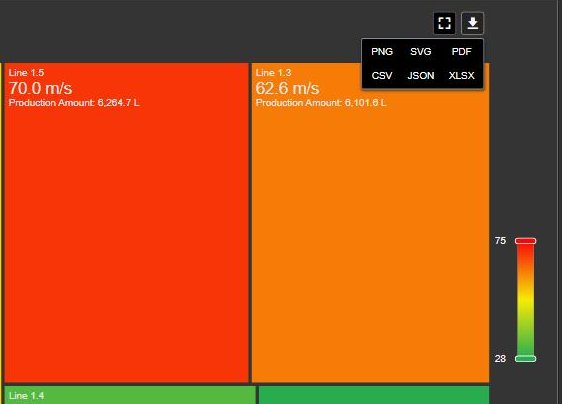
Apply dynamic gradients to visualize performance ranges. The integrated legend automatically scales to your data's min/max values.
Native Multistate Integration
Connect directly to PI AF Multistate configurations. If an asset enters a warning state, the treemap box changes color instantly.
Interactive Drilldown
Navigate deep hierarchies with ease. Click a group to zoom in, and use the breadcrumb bar to return to the plant overview.
See It in Action
Questions?
Click the button below to get in contact, or simply email us at contact@software-athlete.com. We would love to help you.