
How to Implement Manual Data Entry in AVEVA PI Vision
A practical guide for entering operator readings, lab results, setpoints, and reason codes in PI Vision—and deciding when a ready-made control is a better choice than custom code.

The requirement is simple. The implementation is where the risk starts.
Someone needs to enter a value that does not come from an automated interface: an operator round, a laboratory result, a downtime reason, a quality observation, or an approved setpoint change. The value should be written to the right PI Point or AF Attribute, with the right timestamp and enough context to explain the change.
That does not automatically mean you should build a new PI Vision symbol. A custom solution can work, but it turns manual input into a software component that your team must secure, test, support, and maintain.
Flexible, but your team owns the whole component

- Build the symbol UI, PI Web API calls, authentication, and request handling.
- Configure and test CORS, delegation, permissions, validation, and failure states.
- Decide how to handle timestamps, duplicate submissions, denied writes, and partial failures.
- Retest the component when PI Vision, browsers, APIs, or security requirements change.
- Provide the internal support and maintenance that the workflow needs after the original developer moves on.
Use a supported control for a standard workflow

- Start with a control designed for the task instead of starting with a blank symbol project.
- Configure the target PI Points or AF Attributes, visible fields, allowed inputs, and display context.
- Use available validation, timestamps, dropdowns, confirmation, multistate feedback, and audit logging features.
- Keep the workflow inside the PI Vision display instead of sending operators to spreadsheets or a separate form.
- Receive product support and updates as part of the Vision Library+ subscription, while still testing the configured workflow in your environment.
Vision Library+ removes the common parts you should not have to rebuild.
Vision Library+ does not remove the need for PI permissions, authentication, or testing. It changes the starting point. Instead of owning a new UI and API integration, you configure a product control around the PI System workflow you already need to support.
Less application code
Use a configured symbol for standard input patterns rather than maintaining a custom front end and request layer.
Validation at entry
Use limits, data types, dropdowns, and other configured controls to reduce invalid values before they reach the PI System.
Context stays visible
Keep the asset, display, timestamp, units, and related process information next to the value being entered.
Product lifecycle
Use the subscription’s support, product updates, and growing symbol collection instead of treating the workflow as an isolated internal project.
Four controls cover the common manual-entry workflows.
Choose based on what the user needs to enter, how many records are involved, and how much guidance the workflow requires. Each product page includes configuration details and examples.
1. Manual Data Entry+

Use this when users need to enter or edit several PI Points or AF Attributes in a structured view.
- Multiple-tag and attribute entry in one layout.
- Excel copy and paste plus CSV import and export.
- Configurable columns, timestamps, data types, dropdowns, validation, and multistate coloring.
- Useful for operator rounds, lab values, quality observations, and corrections.
2. Manual Input Table+

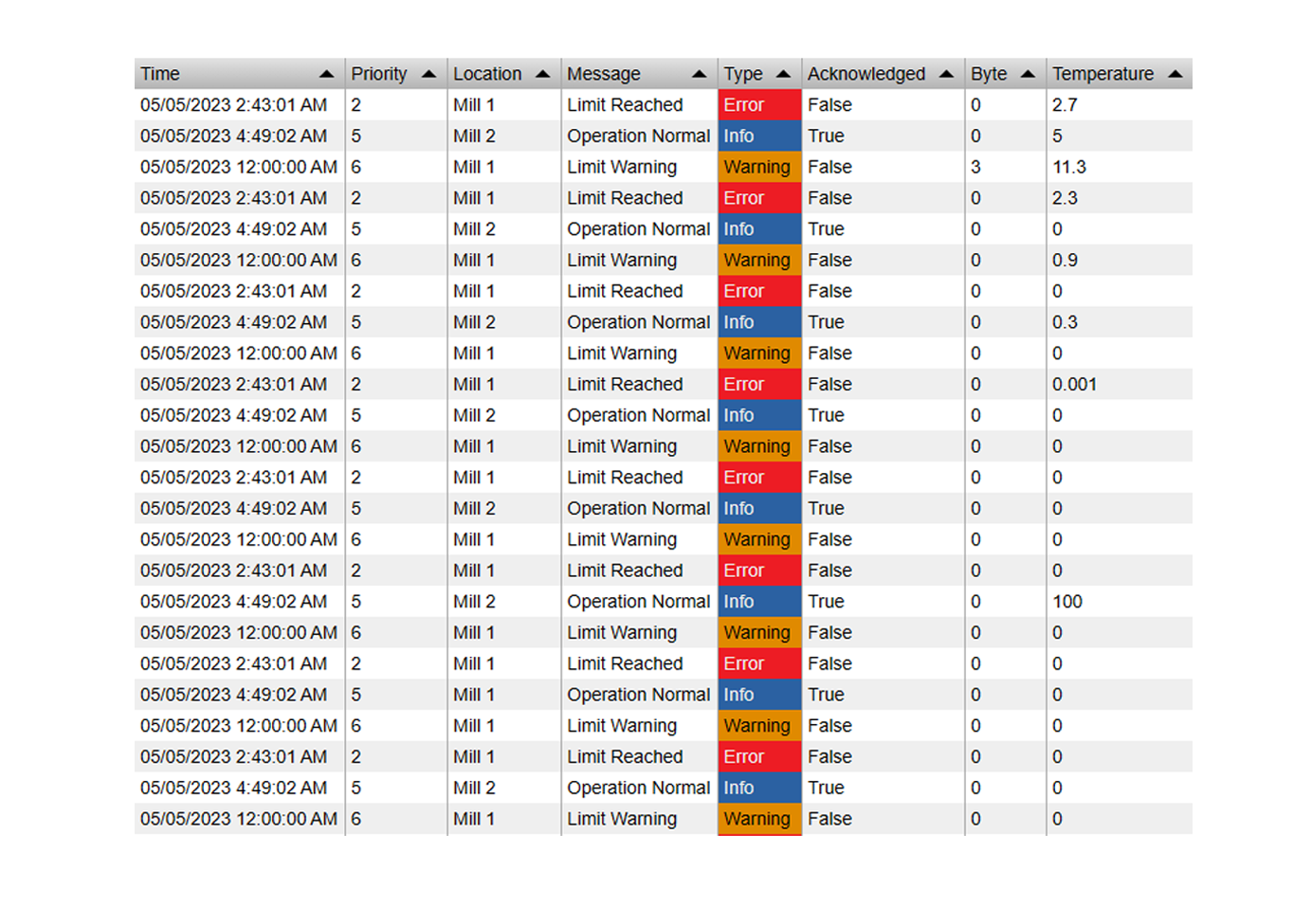
Use this when the workflow is row-based and users need to review, add, edit, or delete multiple records.
- Bulk add, edit, and delete operations.
- Historical backfill and logbook-style review.
- Excel and CSV workflows for larger sets of values.
- Suitable for operator logs, lab data, and manual corrections.
3. Quick Input+

Use this when the user needs a fast, focused control rather than a data-entry table.
- Switches, buttons, sliders, step inputs, text fields, lists, and dropdowns.
- Numeric, boolean, enumeration, and string input patterns.
- Useful for setpoints, limits, modes, reason codes, and equipment actions.
- Touch-ready controls for tablets and plant-floor screens.
4. Manual Input Form+

Use this when users need a guided form with related fields and different input types.
- Grouped fields for inspections, lab results, rounds, and downtime coding.
- Sliders, toggles, buttons, dropdowns, and numeric inputs.
- Minimum and maximum limits, confirmation dialogs, and multistate feedback.
- Responsive layouts and user logging for controlled workflows.
A ready-made control still needs an administrator’s rollout process.
Buying a symbol does not replace system ownership. The benefit is that your team starts from a documented control instead of building and maintaining the common application pieces.
Define the write target
Document the PI Points or AF Attributes, data types, units, timestamp behavior, and user groups allowed to write.
Choose the control
Use Manual Data Entry+ for structured values, Manual Input Table+ for rows, Quick Input+ for focused actions, or Manual Input Form+ for guided groups of fields.
Configure safeguards
Set required fields, ranges, data types, dropdowns, confirmation behavior, timestamps, and any available user logging or audit options.
Test the real permission path
Test the deployed browser and server configuration, including PI Web API authentication, delegation, denied writes, invalid input, and unavailable data.
Verify the saved value
Confirm the value, timestamp, target, and user context in the PI System. Do not rely only on the symbol changing on screen.
Plan for updates
Record the symbol version and configuration, watch product release notes, and retest the workflow when the PI Vision or platform environment changes.
Manual data-entry FAQ
Does Vision Library+ replace AVEVA PI Vision?
No. It extends PI Vision with custom symbols and controls that work alongside native elements, PI Points, AF Attributes, assets, and Event Frames.
Does Vision Library+ remove the need for permissions and authentication?
No. Users still need the correct PI access, and the deployed PI Web API and authentication configuration must be tested. The product reduces the amount of application code you need to build; it does not bypass system security.
Which control should I start with?
Choose Manual Data Entry+ for configurable multi-value entry, Manual Input Table+ for bulk row-based work, Quick Input+ for fast setpoints and actions, or Manual Input Form+ for guided forms with grouped fields.
What does the Vision Library+ subscription include?
The subscription includes access to the available symbol collection, product support, product updates, and new symbols as the library expands. Request a trial to evaluate the controls in your PI Vision environment.
When should I build a custom symbol?
Build custom code when the requirement is genuinely unique or falls outside the available controls. Treat it as a maintained software component with its own security, testing, documentation, and update plan.