PI Event Frame analytics guide
How to Visualize AVEVA PI Event Frames Without External BI Tools
The AVEVA PI System is excellent at storing Event Frames for downtime tracking and process events. This guide shows how to analyze them inside PI Vision with Vision Library+ instead of exporting them to external BI tools.
External BI or native PI Vision?
In the past, building a downtime or event dashboard required integrators, SQL databases, and external reporting tools. Today, you can build the analysis directly where your PI data lives.

- Requires an integration or custom script to move Event Frames into SQL.
- Introduces data silos, refresh latency, and more IT maintenance.
- Separates the Event Frame report from PI Vision trends and process context.

- Uses custom Event Analytics symbols directly inside PI Vision.
- Provides charts, pivot tables, KPIs, and filters mapped to Event Frames.
- Keeps the event analysis beside the PI trends and asset context.
The symbols described in this guide are part of Vision Library+. See the Vision Library+ documentation for installation and configuration details.
Power BI Capabilities, Natively in PI Vision
The Vision Library+ Event Analytics tools give you the controls to summarize, filter, and drill down into process events and downtime data without leaving PI Vision.
1. Interactive Visualizations


Understand downtime at a glance.
- Event Analytics Chart+: Visualize event durations, counts, or downtime reasons across configurable bar and column charts.
- Event Analytics Pie+: Quickly spot the largest contributors to process delays with interactive pie charts.
- Drill-down ready: Click chart segments to reveal the underlying Event Frames.
2. Advanced Data Grids

Aggregate and inspect event records.
- Event Analytics Pivot+: Group Event Frames by asset, reason code, or shift.
- Custom calculations: Calculate total downtime, average event duration, or total occurrences.
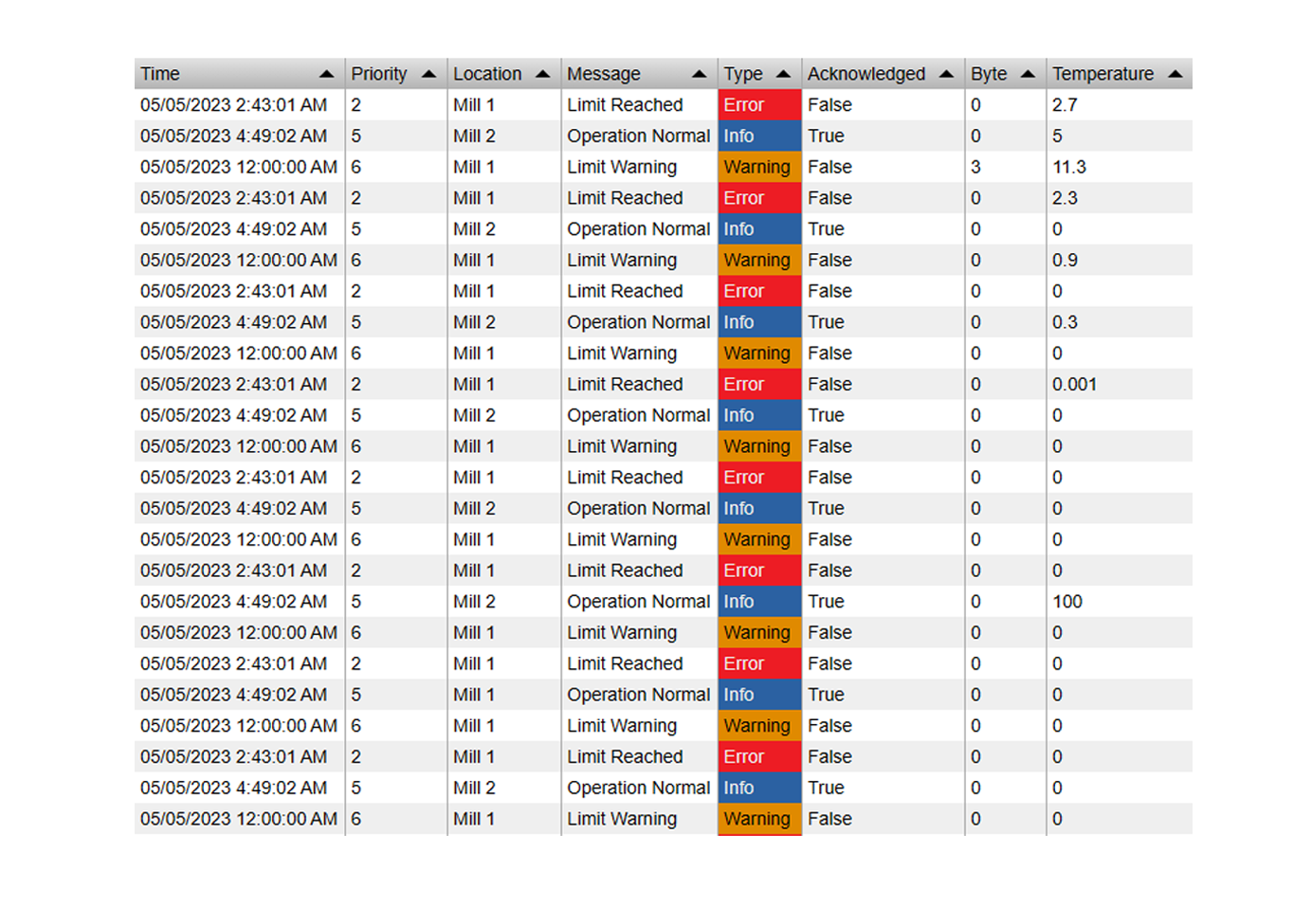
- Events Table+: Review the event records and export the data you need from the PI Vision display.
3. Dynamic Slicers & KPIs


Make the dashboard interactive.
- Event Filter+: Works like a Power BI slicer. Filter the dashboard by shift, event type, or asset.
- Event Analytics KPI+: Display totals such as total downtime hours or event count, updated for the current filter selection.
Why Operations Teams Choose Vision Library+
Turn Event Frame data into an operational view without adding an export layer to every investigation.
Downtime Root Cause Analysis
Identify the leading causes of production stops. Group Event Frames by reason code and use charts to prioritize maintenance and reliability work.
Self-Serve Exploration
With Event Filter, engineers and operators can explore the dashboard by machine, time range, event type, or production batch without requesting a separate report.
Keep Architecture Simple
Vision Library+ keeps the Event Frame analysis inside the PI Vision environment instead of adding a database, export job, and third-party visualization layer for every dashboard.
See Event Analytics in Action
Watch how to build an interactive dashboard from Event Frame data directly inside PI Vision.
Unlock the True Value of Your Event Frames
Stop exporting your data just to make sense of it. Bring Event Frame reporting and analytics directly to the PI Vision display your operations team already uses.
Explore Vision Library+